Change the Controller's PLC Processor and Model Number
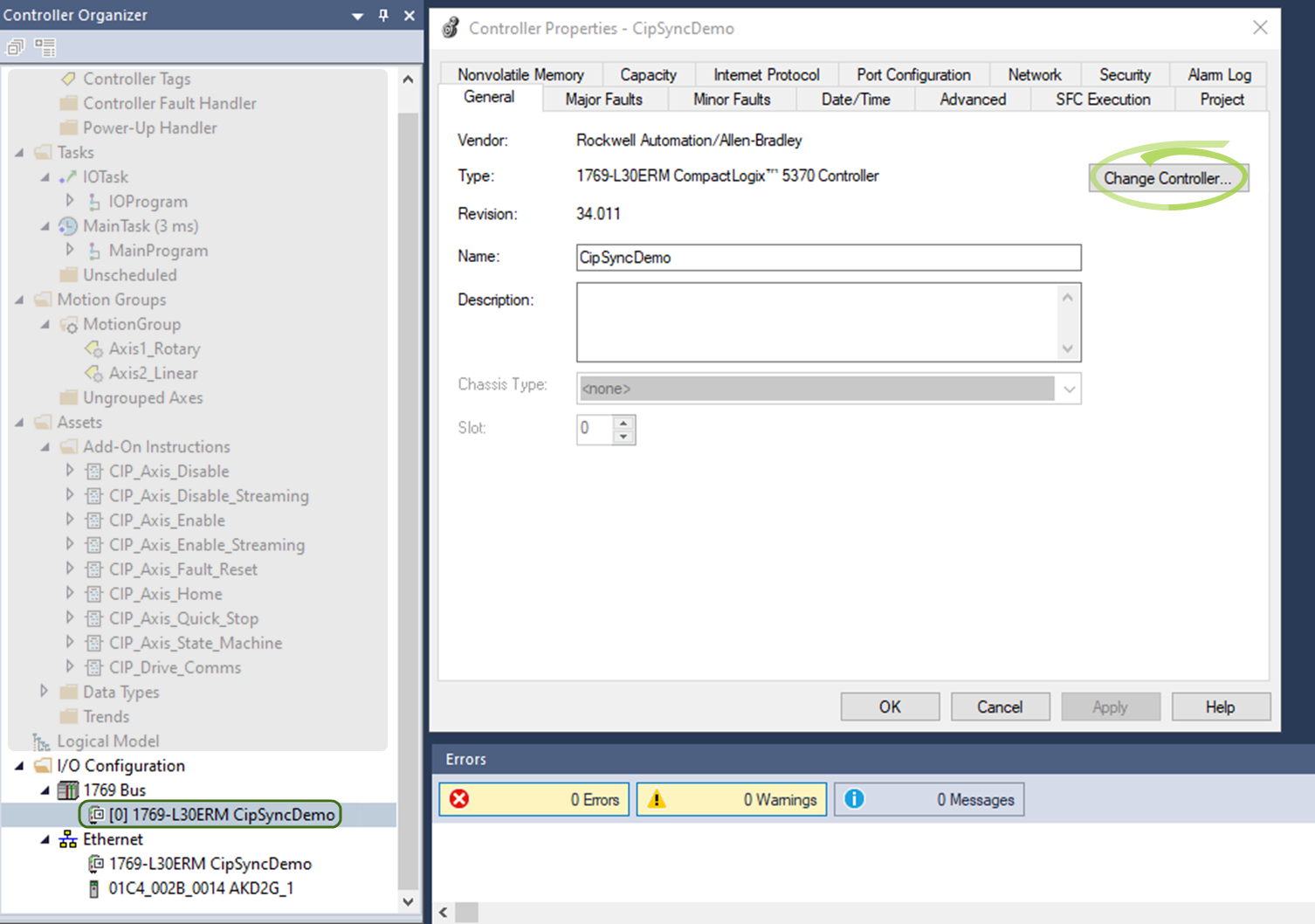
- Open the Sample project in Studio 5000 and navigate to the controller properties.
- Under the General tab, select Change Controller to match your PLC processor and model number.
Showing help for All Fieldbus and Functional Safety All
Select your Fieldbus
The model number will indicate what kind of fieldbus you have. Find the label on the side of the device, where "Model No:" is indicated. Modbus is included with all models.


All Fieldbuses

*E / *C

*P

*P
Select your Functional Safety Version
The model number will indicate what kind of function safety you have. Find the label on the side of the device, where "Model No:" is indicated.


*1 (Functional Safety Option 1)

*2 (Functional Safety Option 2)

*3 (Functional Safety Option 3)
|
|

|


