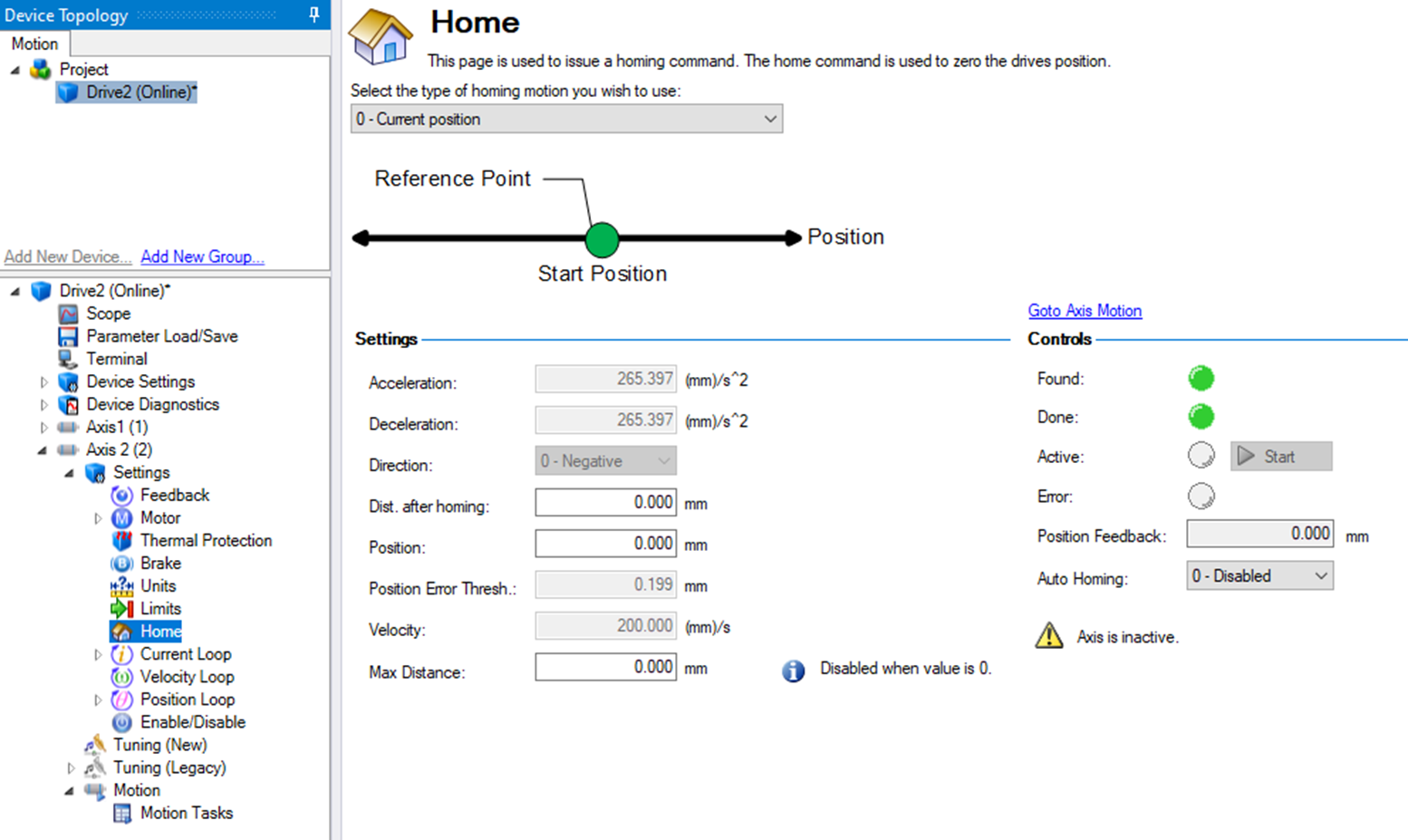






Setting the Home Mode
This procedure in the preliminary setup for CIP Sync is to set the Home Mode for both axes in the AKD2G-SPI drive.
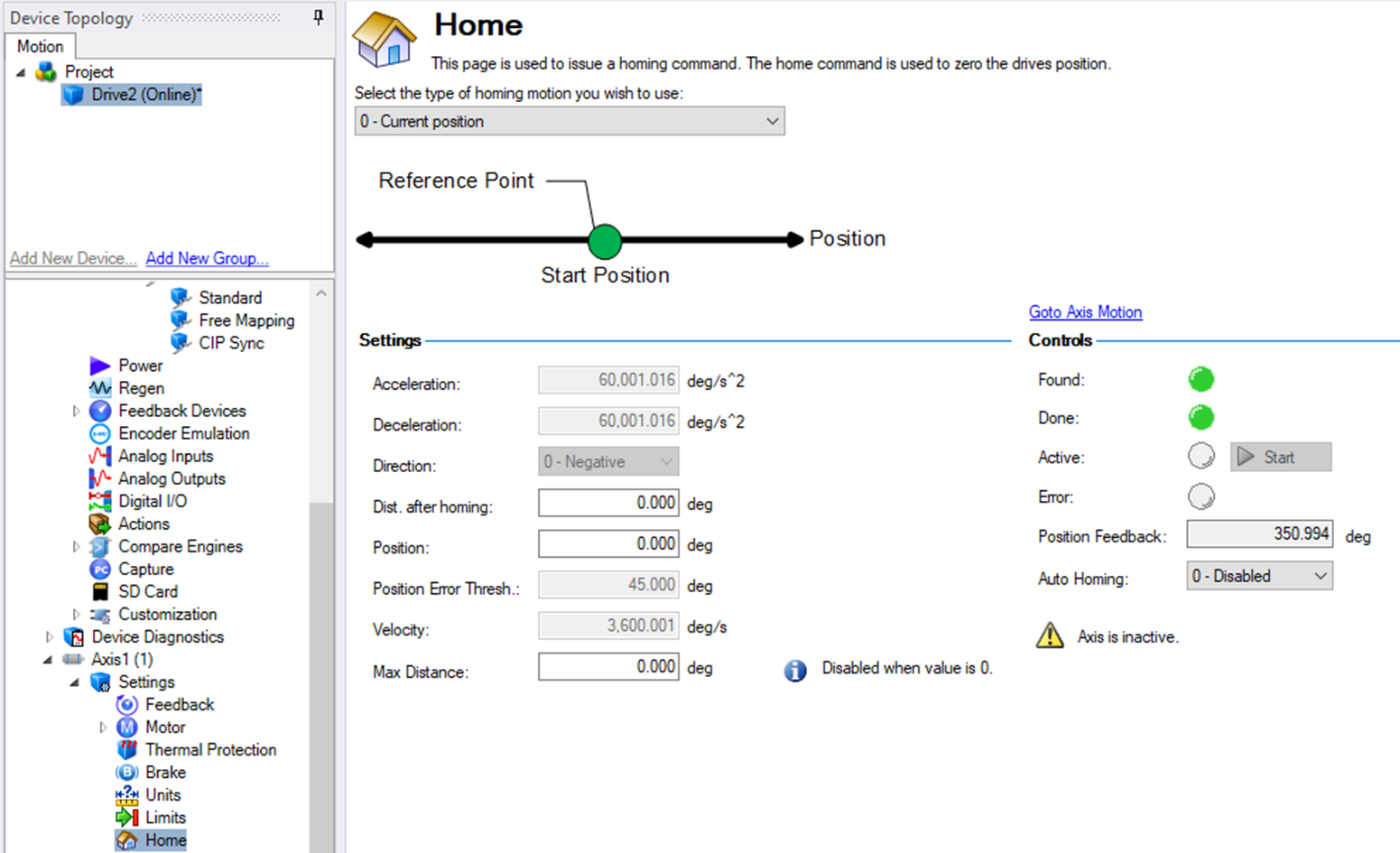
Setup the desired Home routine in WorkBench for each axis.
- The Sample project uses Homing Mode 0 - Current Position, but the programmer may select other homing modes (i.e., home to a switch, etc.) during the bench test.
- When the axis is commanded to home using the CIP_Axis_Home add-on-instruction, these are the home routines that are commanded.
Axis 1
Axis 2