Use the Reference Folder
Using the Reference item, you can link as many files as you want to your project.
- Right-click on the Reference item and select the Insert Reference command.
- Define the Name and choose a valid URL.
- Double-click the new reference to open it in the workspace.
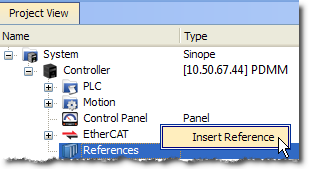
Figure 1: Inserting a Reference
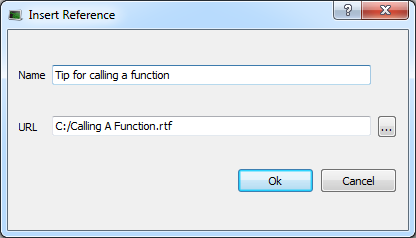
Figure 2: Defining the Reference
-
-
- You can link files that are on your local machine (or to a server shared with a mapped drive) and of these types:
- PDF, doc, xls, drawings, etc.
- You must ensure the link is not broken if you want the KAS-IDE to open it correctly.
- You can link files that are on your local machine (or to a server shared with a mapped drive) and of these types:


