Axis sub-tab
Usage
This sub-tab is used to:
- View a visual representation of the motors.
- The axis wheels are visible after the application is started.
These items can be monitored from the display:
- Real and Simulated axes.
- Actual position with solid line and actual position value.
- Command position with the dotted line and (command position value) in parentheses.
- Axis State: Powered-off, Powered-On, Error, and Simulated Powered Off and ON.
- Identify the axes from the label, as defined by the axis name in your application.
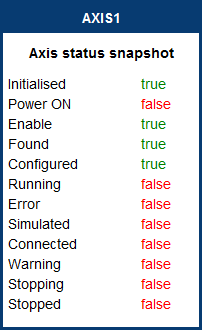
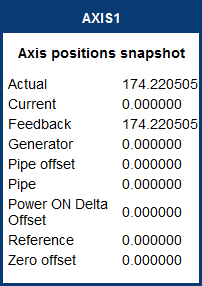
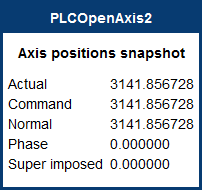
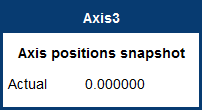
- Axis status or positions snapshot.
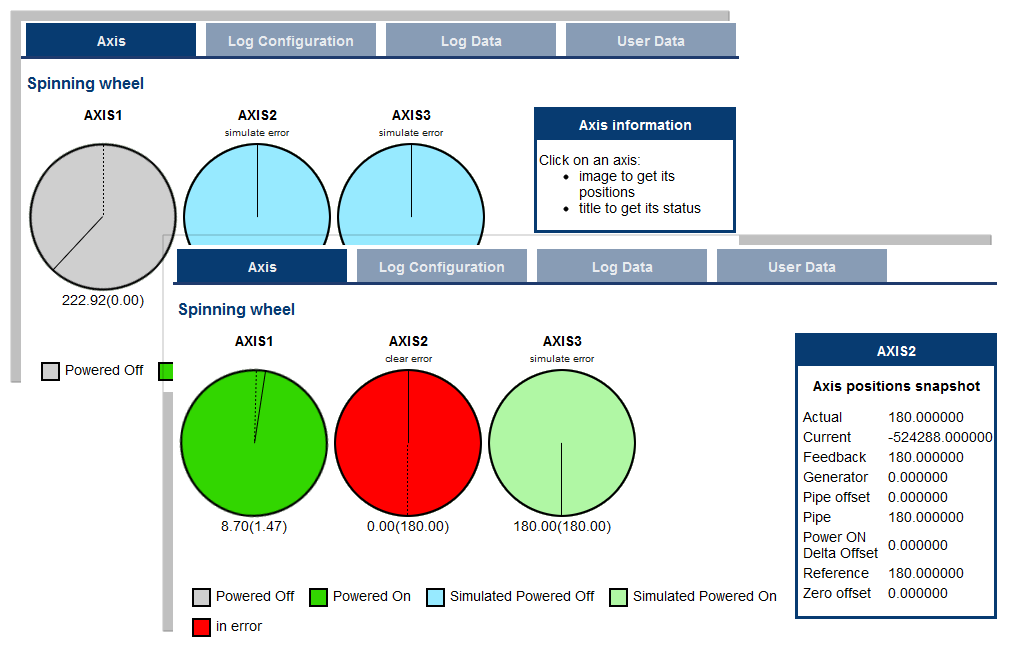
Figure 1: Axis examples
-
-
- Click the axis wheel to view the information in this table.
- If an axis is in error, click the text below the axis title to clear the error.
|
Title |
Image (PN axis) |
Image (PLCopen axis) |
Image (digitizing axis) |
|---|---|---|---|
|
|
See Axis Pipe Block. |
See Axis Parameters. |
|