Communication View
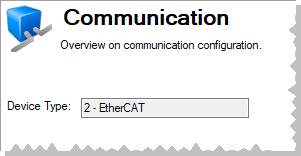
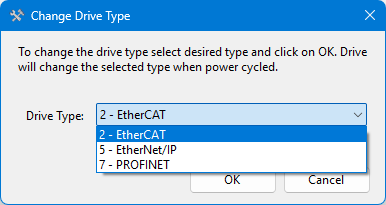
This view displays the communication protocol used to connect to a device. Devices which have a selectable Industrial Ethernet option include a Change button which allows you to change the Device Type.
Showing help for All Fieldbus and Functional Safety All
Select your Fieldbus
The model number will indicate what kind of fieldbus you have. Find the label on the side of the device, where "Model No:" is indicated. Modbus is included with all models.


All Fieldbuses

*E / *C

*P

*P
Select your Functional Safety Version
The model number will indicate what kind of function safety you have. Find the label on the side of the device, where "Model No:" is indicated.


*1 (Functional Safety Option 1)

*2 (Functional Safety Option 2)

*3 (Functional Safety Option 3)
This view displays the communication protocol used to connect to a device. Devices which have a selectable Industrial Ethernet option include a Change button which allows you to change the Device Type.
|
|

|


