Service Interface Connector X20
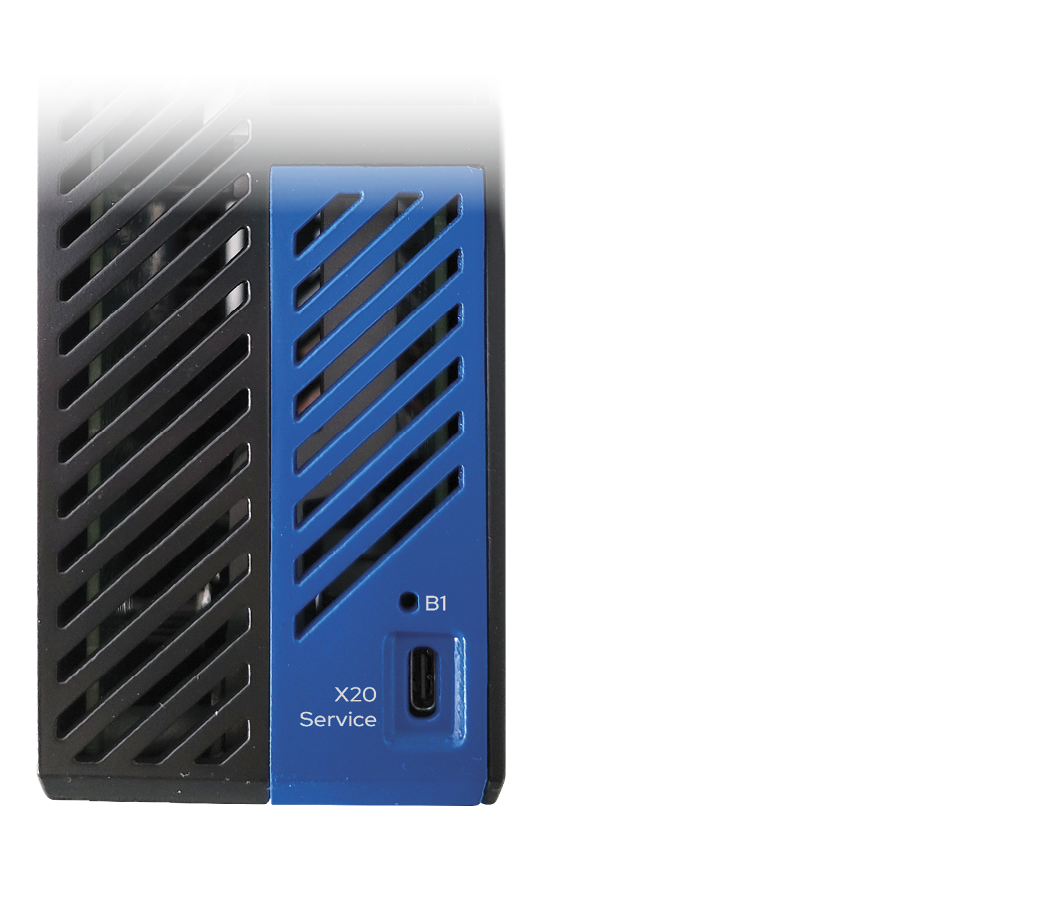
The Service Interface X20 provides USB connection to a PC running WorkBench software for configuration, firmware updates and diagnostics.
|
|
Rubber plug Insert the rubber dust plug into the X20 USB-C slot when no cable is inserted, in order to protect it against particle/dust ingress and to protect against impairment of connection quality. The rubber plug is included with the servo drive. |

Cables
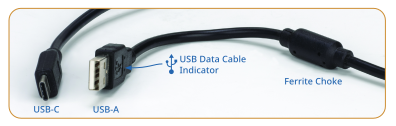
Use standard USB-C data cables up to 2m length. One end of the cable must have a USB-C connector to plug into the servo drive. The other end which connects to a PC or USB hub may be USB-C or USB-A.
|
|
Use data cables Some USB cables are only designed for providing charging power. These will not work for communicating with the servo drive. |

Ferrites
In an electrically noisy environment, ferrites on the USB cable may be helpful to avoid inconsistent communications. A ferrite is most helpful on the PC end of the cable. Snap-on ferrite cores and USB cables with built-in ferrites are commonly available.


