OPC UA - Group: dialog box
Usage
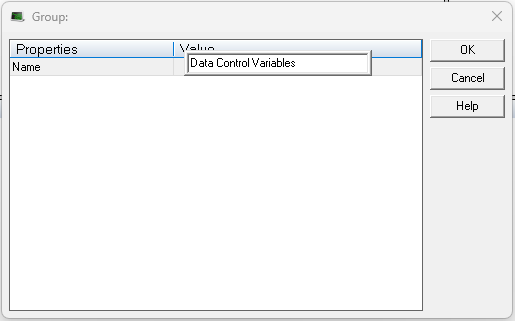
The Group: dialog box is used to create an individual group.
-
-
- The Group: dialog box can only create a single group.
- See OPC UA - Add Multiple Groups and Variables to the Driver Configuration.
Access
 Click to view access to the dialog box
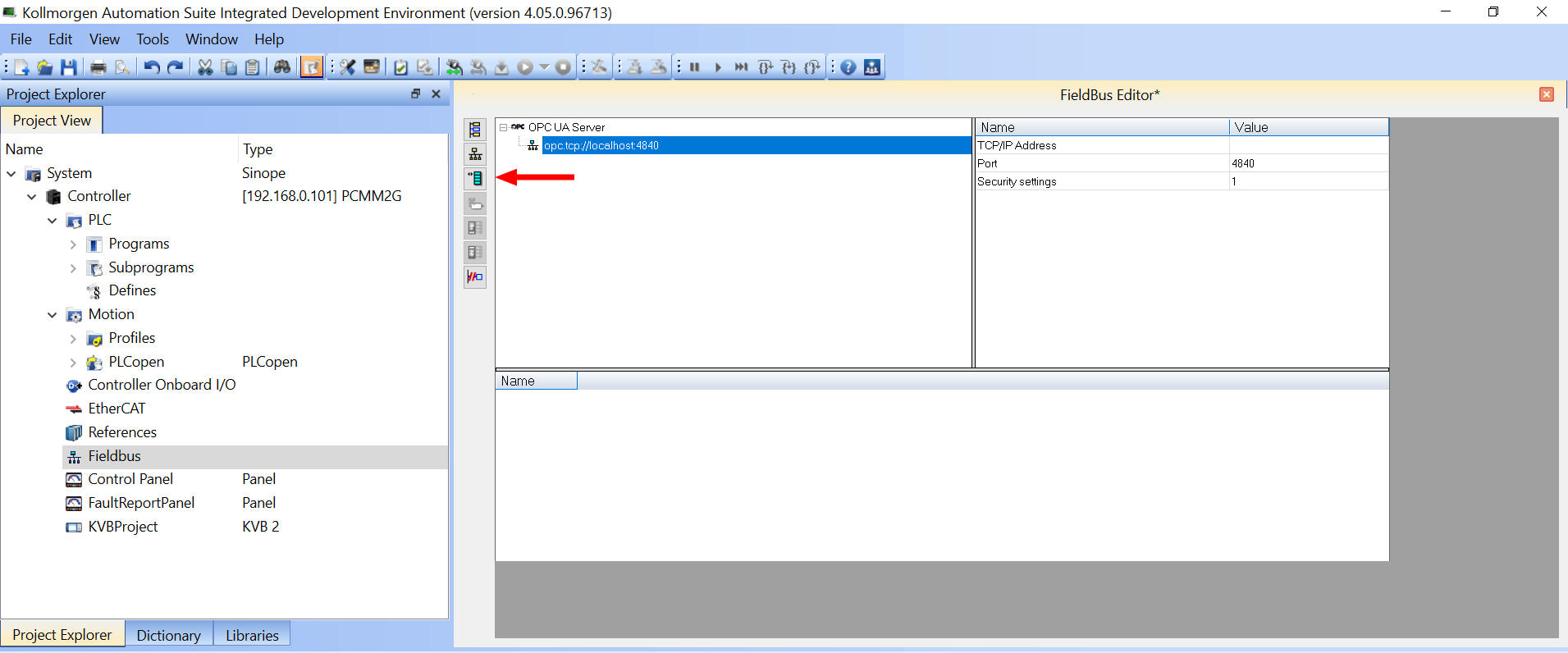
 ).
).
Dialog box Description
|
Section |
Element |
Description |
|---|---|---|
|
Properties column |
|
The Properties column lists the properties to define for this variable. |
|
Value column |
|
The Value column shows the entered Name of the data group. |
|
|
Name - Value text box |
In the Name - Value text box, enter the name of the new data group. |
|
|
Default button |
Click Default to reset all changes or selections back to the default settings. |
|
|
OK button |
Click OK to save the changes or selections and close the dialog box. |
|
|
Cancel button |
Click Cancel to discard all changes or selections and close the dialog box. |


