PDO Content
This are lists the objects in the currently selected PDO.
- Objects can be created (Add Object), modified (Edit Object), or removed from the project (Delete Object).
- Select a PDO in the Editable PDOs section (left side of dialog box) to view the objects in a PDO.
- The list of objects appear in the PDO Content section (right side of dialog box). (Figure 1)
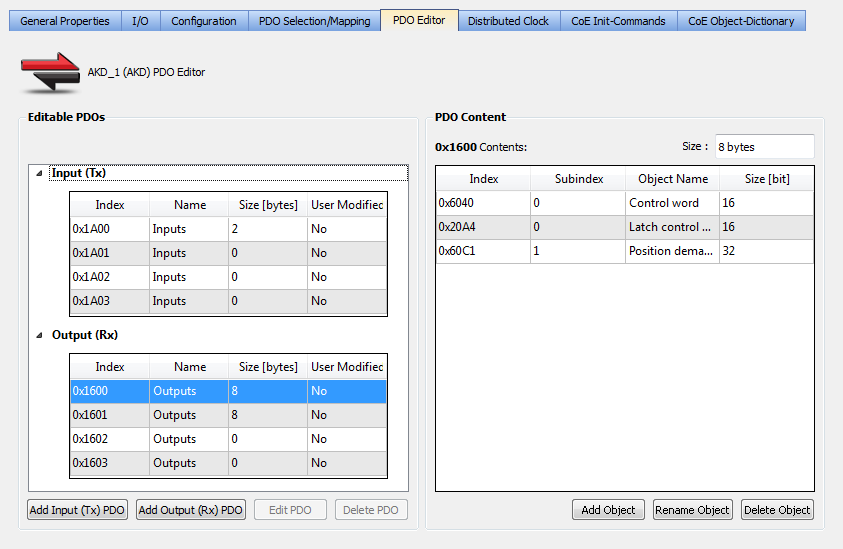
Figure 1: Example: PDO Content area
|
Name |
Description |
|---|---|
|
Index |
Identification value for the PDO. The range is defined by the EtherCAT specification.
|
|
Name |
|
|
Size [bytes] |
Total length for the PDO object(s) data. |
|
User Modified |
|
-
-
Constraints for the Kollmorgen AKD device family:
The PDO content Size field is highlighted in red if the Editable PDO content size is greater than 8 bytes.


