Diagnostic Panels sub-tab
Usage
This sub-tab is used to:
- View Control Panels designed in the KAS-IDE in a web browser.
- This feature is only available when the Generate Web-based Control Panels check box is selected in the Project Settings dialog box.
Access
 Click to view access to the tab
- Open a web browser.
- Enter the controller's IP address for the URL.
The Web server Home page opens. - Click the KAS Application tab.
The Diagnostic Panels sub-tab is on the right of the window.
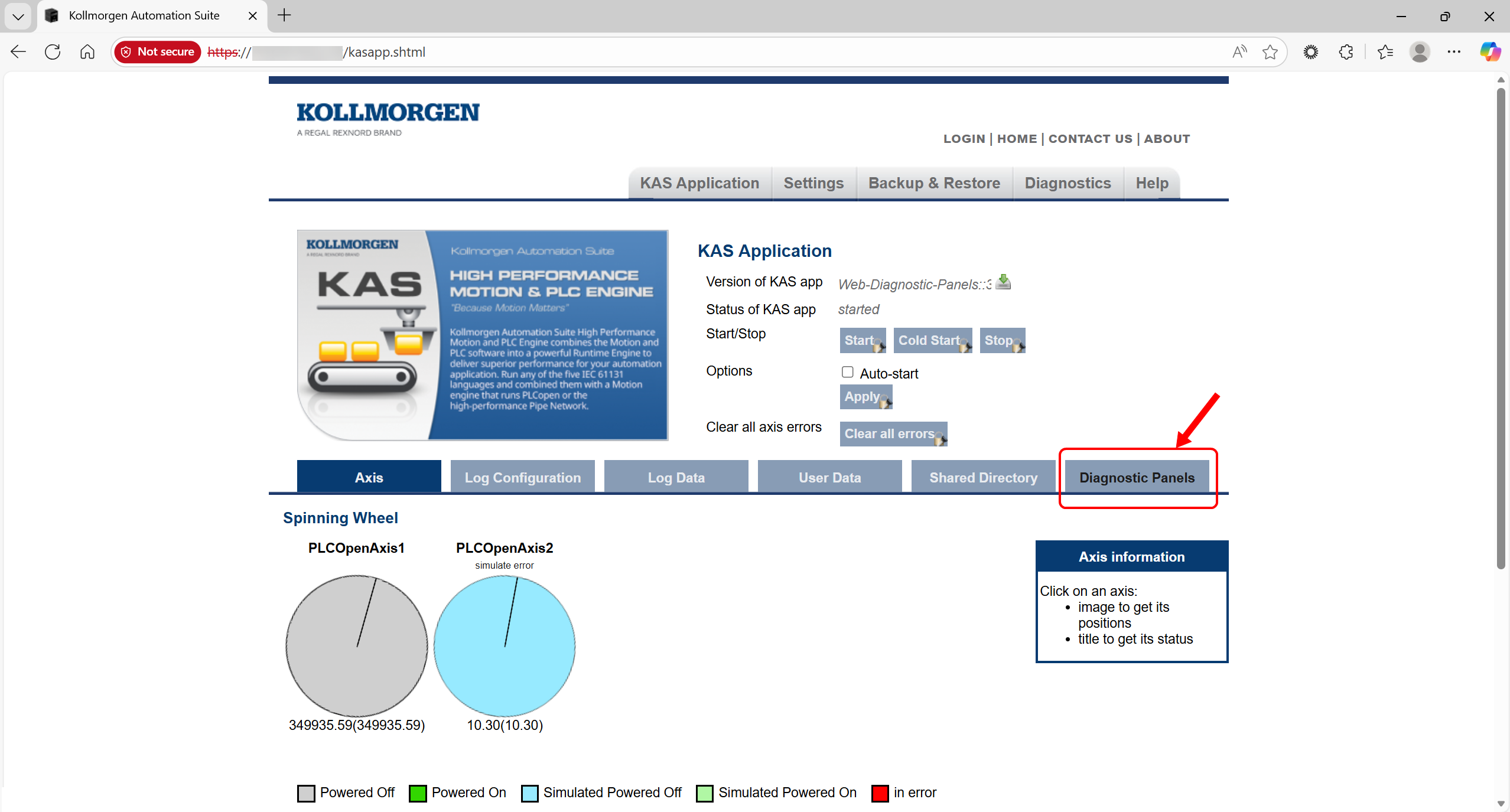
Tab Description
Click this tab to open the Diagnostic Panels - Home page.
-
-
This tab is only available when the Generate Web-based Control Panels check box is selected in the Project Settings dialog box.


