Log Data tab
KAS log files may be viewed from the Log Data tab.
- The Log Data tab provides access to controller log files that can be used for monitoring system activity and troubleshooting.
- These logs help users review historical events, track configuration changes, and investigate controller operations.
- These messages can help describe the current state of the system and identify any operation errors.
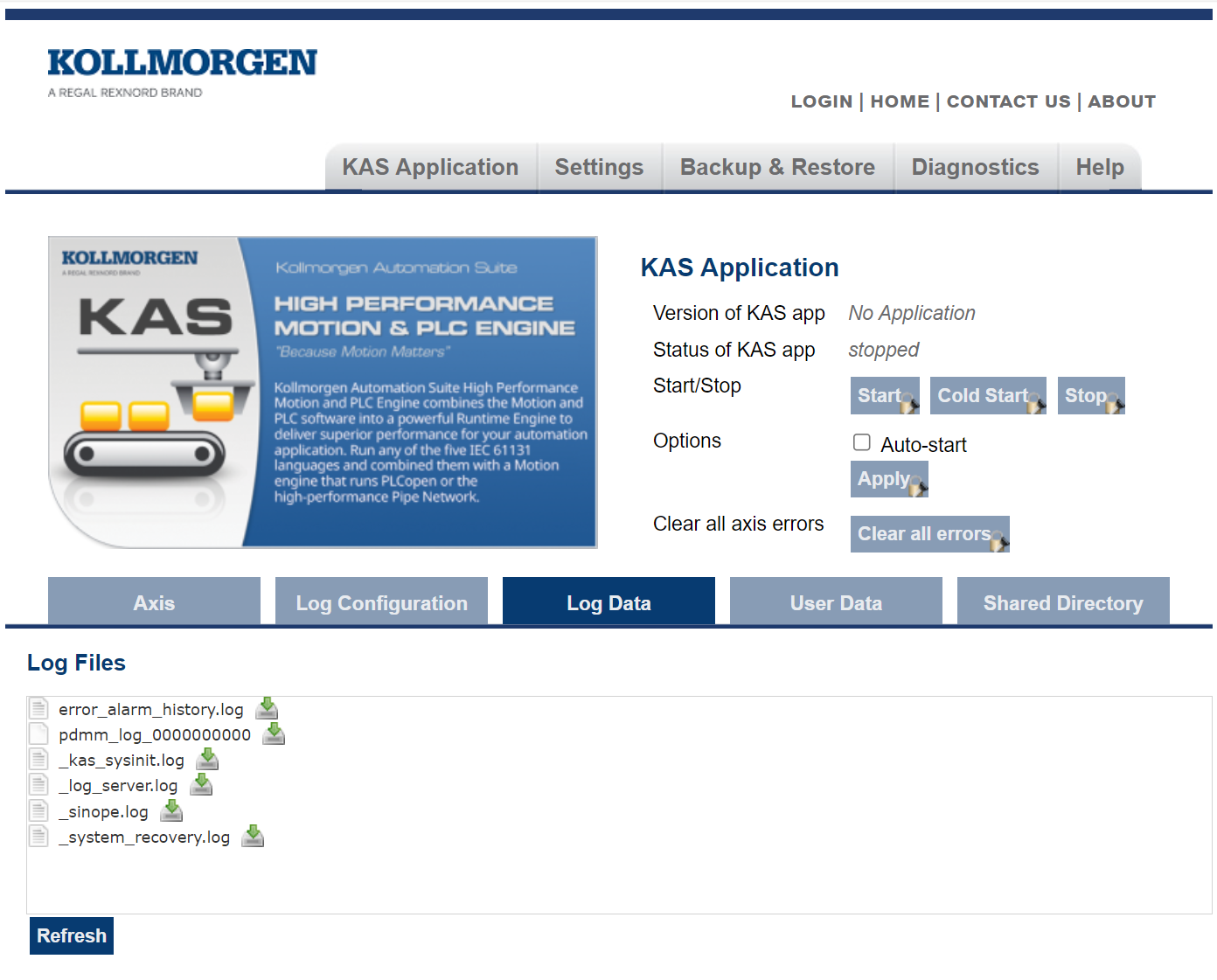
Figure 1: Example of Log Files from a Kollmorgen Controller's Web server
Click a listed log file to open it in a web browser.
- Click the green download icon next to the log entry to download the log file.
- The default name is the same as the file's name.
- If a file no longer exists, the message /logfiles/<selected file name> not found. appears.
- Refresh the browser window and try again.
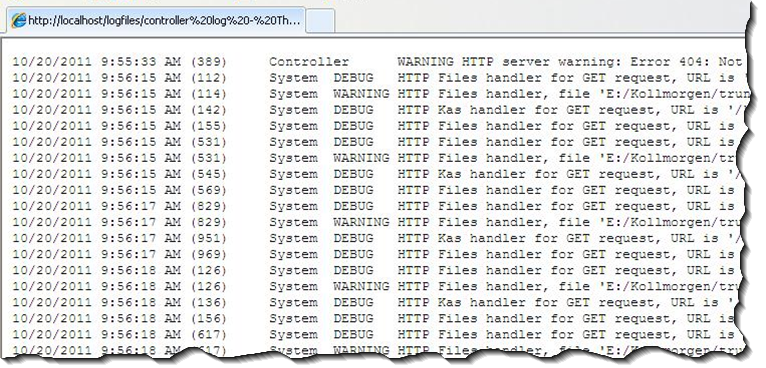
Figure 2: Example of a log file's content in a browser.
-
-
- Controller log data is collected and updated every 15 seconds.
- A new log file is created when the current file is full.
- You may need to wait for up to 15 seconds for a log to show up in the list.
- The file error_alarm_history.log contains a history of errors and alarms.
- Files whose names begin with an underscore are internal.
- They may be requested by support engineers during troubleshooting.
- Log files listed under the audit folder contain the log files stored in the controller's audit folder.
- See Audit Logs.


