User Data tab
The User Data tab provides access to the User Data Storage area on the Controller’s internal flash memory.
- This area is intended for user-managed file storage to support PLC application needs.
- The system does not enforce structure or usage – it is entirely up to the user to organize and maintain the content.
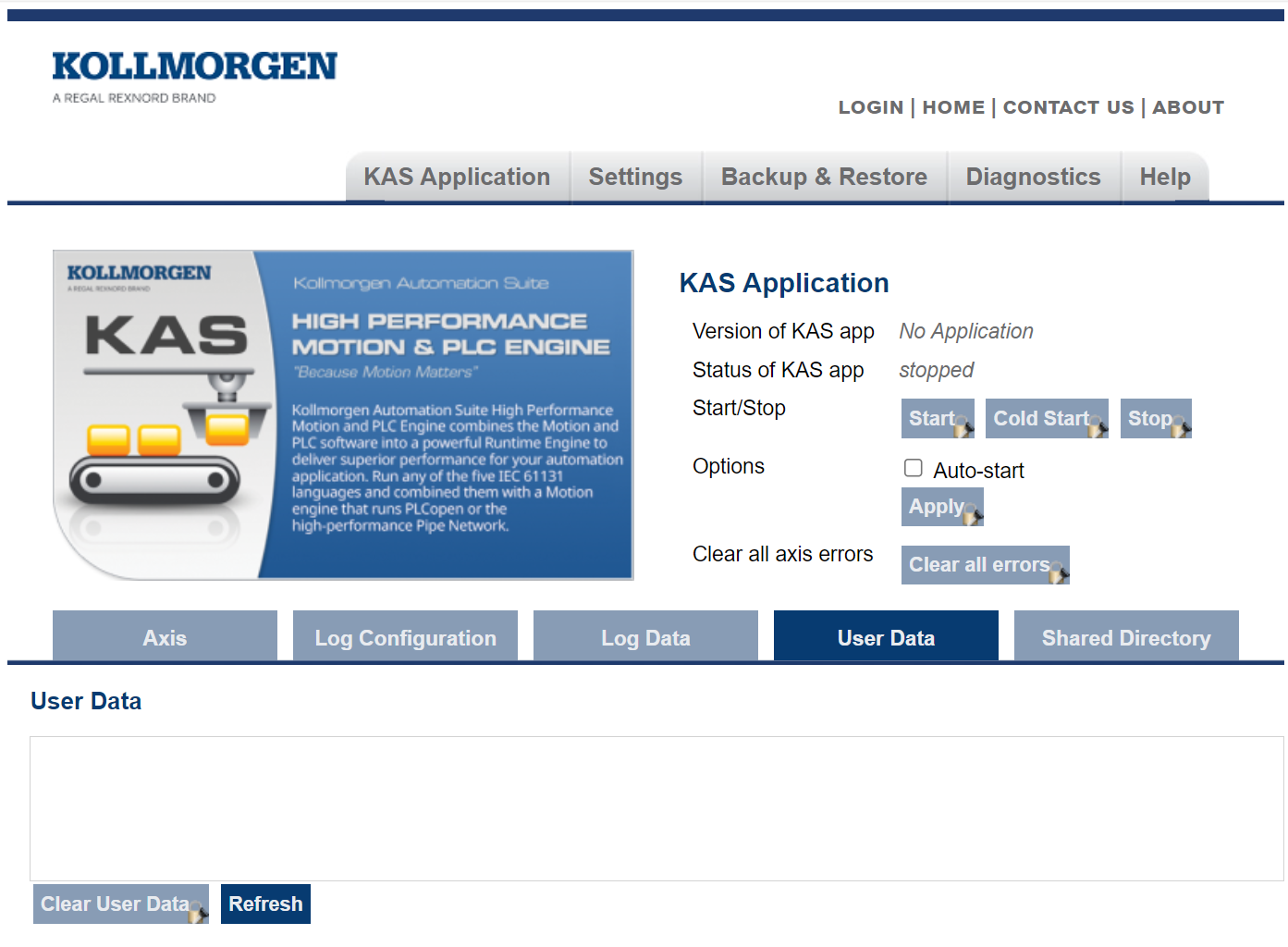
The User Data area is flexible, user-controlled storage space where you can maintain folders and files required for application management.
Typical use cases include:
- Storing and updating recipe files.
- Maintaining lookup tables or datasets.
- Exchanging data between external systems and the controller.
User Data File Explorer
- Display all folders and files currently stored in the User Data area on the controller flash.
- Each folder and file has a check box for selecting an action.
-
-
- Folders can only be deleted.
View File Contents from the User Data File Explorer
- Double-click any file in the list.
The file contents open in a separate tab.
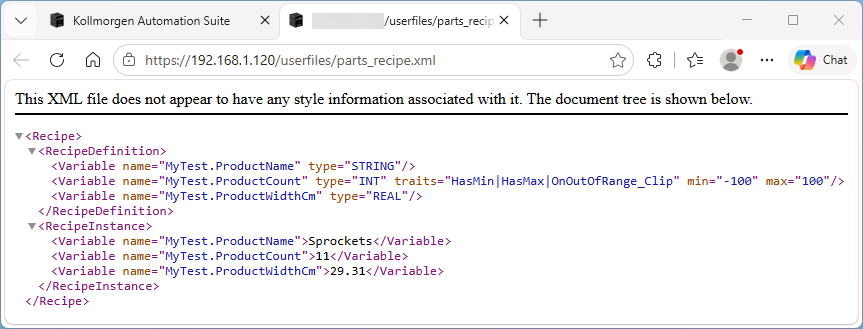
Figure 2: User Data tab - View File Contents
This new tab:
- Provides quick access for inspecting file data without downloading.
- Is useful for verifying configuration or recipe files.
Upload Folders and Files to the Controller
Folders and files can be uploaded to the PCMM2G controller flash using drag-and-drop.
- On your computer, open Windows Explorer.
- Locate and select the applicable folders and/or files.
- Drag and drop the selected items into the User Data area.
- Folders and files are stored immediately in the controller’s User Data area.
- Multiple folders and files can be uploaded at once.
- There is no upload button — drag-and-drop is the only available method.
File Management Actions
All actions apply directly to the folders and files stored on the controller flash:
Create Folder
- Create a new folder in the current directory.
Select All Files
- Selects all files in the list.
- Primarily used to support bulk operations such as:
- Downloading multiple files.
- Deleting multiple files.
Deselect All Files
- Deselects all selected files.
Download Files
- Downloads selected files from the controller to your local computer.
-
-
- Downloading folders is not supported.
Delete
- Deletes the selected folders and files from the controller.
-
-
- Before deleting folders and files, confirm they are no longer required by the application and create a backup if needed.
- Deleting folders and files cannot be undone.
Clear User Data
- Deletes all folders and files in the User Data area.
-
-
- Use with caution - this removes all user-managed content.
- This action cannot be undone.
Refresh
- Updates the file explorer to reflect current contents on the controller.


