Start the KAS-IDE
There are multiple ways to start the KAS-IDE.
- Double-click a desktop shortcut.
- Double-click a project file to open it with the most recently installed version of the KAS-IDE.
- Windows 10 and 11: From the Start menu, under "K".
- All installed versions are found here, including one legacy version (in the Kollmorgen folder), and all installed versions of v3.01 and later.
- See Can I install more than one version of the KAS-IDE?.
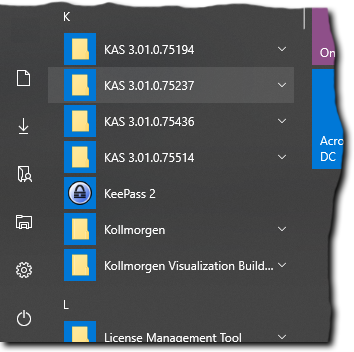
Figure 1: Example: Multiple KAS installed versions
See the these FAQs for more options:


