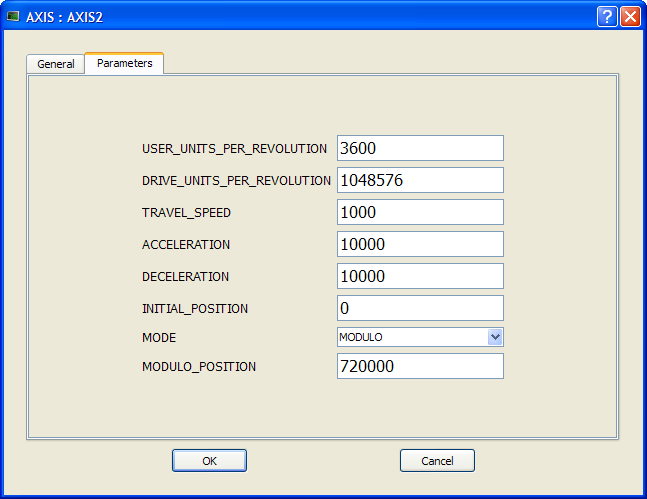
You can set up the position units in the parameter screen of the Axis block.
Figure 4-14: Setting Axis Units
Some guidelines for suitable settings advises for a good choice is given below:
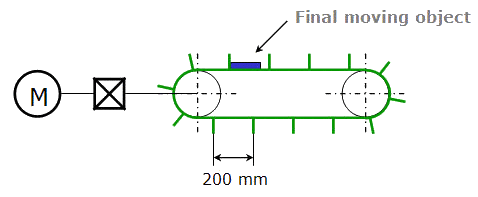
Figure 4-15: Setting the Units - Example
A User Unit = 0.1mm could be selected for this transportation system
|
Stay Connected with Kollmorgen       
|
Copyright © 2015 Kollmorgen™ |

|