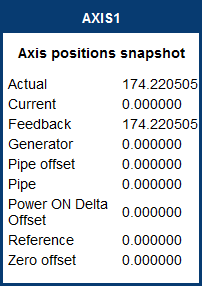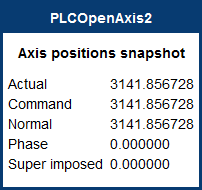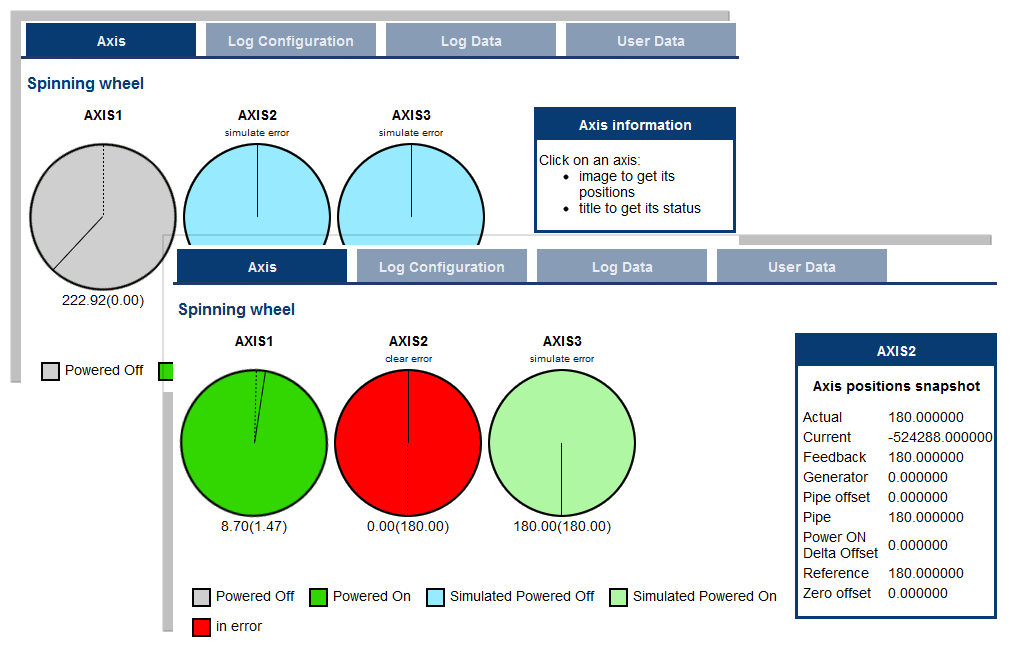
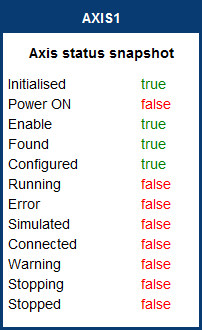
You can view a visual representation of the motors from the Axis tab. The axis wheels are visible after your application is started. The following can be monitored from the display:
| Information that is available by clicking on the axis | |||
|---|---|---|---|
| Title | Image (PN axis) | Image (PLCopen axis) | Image (digitizing axis) |
|
See theAxis Pipe Block section of the KAS IDE"Integrated development environment" An integrated development environment is a type of computer software that assists computer programmers in developing software. IDEs normally consist of a source code editor, a compiler and/or interpreter, build-automation tools, and a debugger documentation for information about the axis parameters. |
See Axis Parameters in the PLCopen Function Blocks - Overview section of the KAS IDE documentation for information about the axis parameters. |
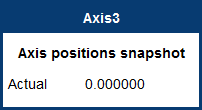
|
Additionally, if an axis is in error, the error can be cleared by clicking the text below the axis title.
|
Stay Connected with Kollmorgen       
|
Copyright © 2015 Kollmorgen™ |

|