You are here: Tools > AKD into KAS > PDMM Firmware > Check AKD Drive Firmware

Check AKD Drive Firmware

To check PDMM Firmware with KAS IDE"Integrated development environment" An integrated development environment is a type of computer software that assists computer programmers in developing software. IDEs normally consist of a source code editor, a compiler and/or interpreter, build-automation tools, and a debugger:

  1. Create a new project
  2. Set the controller type and IP address
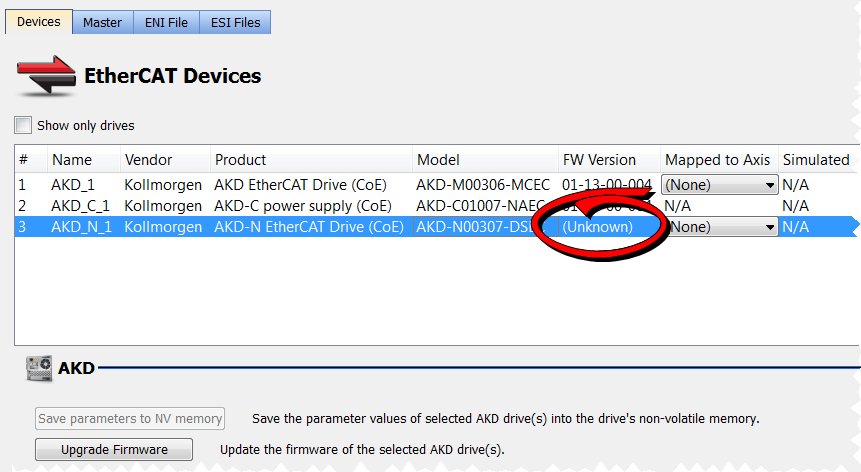
  3. In the Project Explorer, double-click the EtherCATEtherCAT is an open, high-performance Ethernet-based fieldbus system. The development goal of EtherCAT was to apply Ethernet to automation applications which require short data update times (also called cycle times) with low communication jitter (for synchronization purposes) and low hardware costs node to open the EtherCAT Devices summary window
  4. In the Devices tab, click the Scan Devices button
  5. Choose the Create... option to map the physical device to a new device

  6. If the version is not correct, continue following with the procedure below
  7. Compile the project
  8. Connect to the controller
  9. Download the project to the controller
  10. If the version is not correct, download the new firmware (click here) and follow with the next procedure.


Stay Connected with Kollmorgen

Copyright © 2015 Kollmorgen™