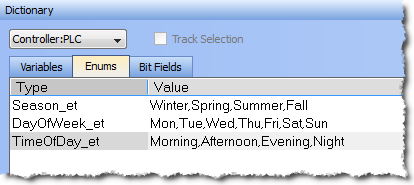
This tab allows you to define enums (Enumerated Types). An enumerated type allows you to define a data type and assign a specific set of accepted values.
An enum may be created in one of two ways:
This creates a default enum labelled as "EnumTypen" with the Value of "V0,V1".
Double click on the Type or Value to make changes.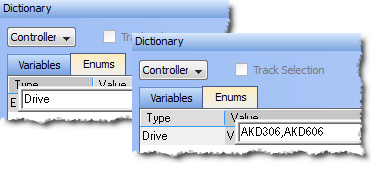
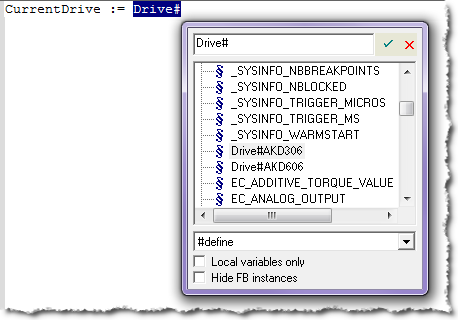
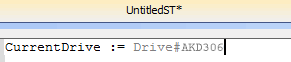
Enums may be declared in the same way as variables; at the end of the line press Enter.
As CurrentDrive is not a part of the dictionary, a dialog is opened to add the variable. Set the Types as the enum name. 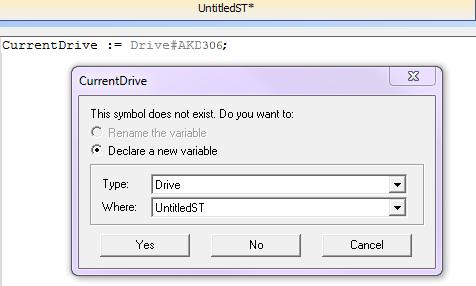
Once this is added, the variable will be displayed with the selected type in the Dictionary.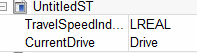
|
Stay Connected with Kollmorgen       
|
Copyright © 2015 Kollmorgen™ |

|