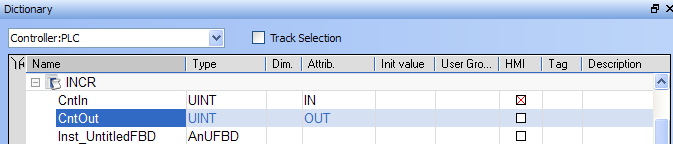
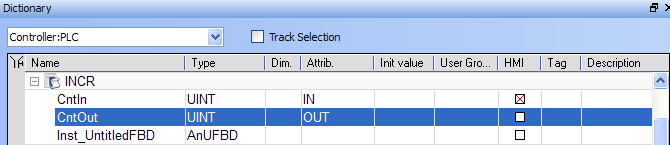
There are two available modes when editing a variable in the Dictionary:
Press Spacebar to toggle the selection mode from cell to row (Table Keyboard Shortcuts).
When the selection mode is on cell, the variable editor enables you to enter each piece of information directly in the cell.
Double-click or press the ENTER key to open the dialog box.
At any time you can drag with the mouse the column separators in the main grid header for resizing columns.
Press the following keys for browsing groups of variables:
|
Ctrl + Page Up |
Move the selection to the head of the previous group |
|
Ctrl + Page Down |
Move the selection to the head of the following group |
For Tables manipulation, see also Windows Standard Conventions
|
Stay Connected with Kollmorgen       
|
Copyright © 2015 Kollmorgen™ |

|
 See Also