- If the scan process fails, refer to the EtherCAT Error Messages.
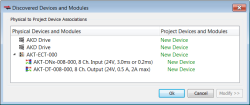
- If physical devices are discovered during the scan, they will appear under the Physical Devices column.
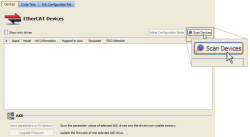
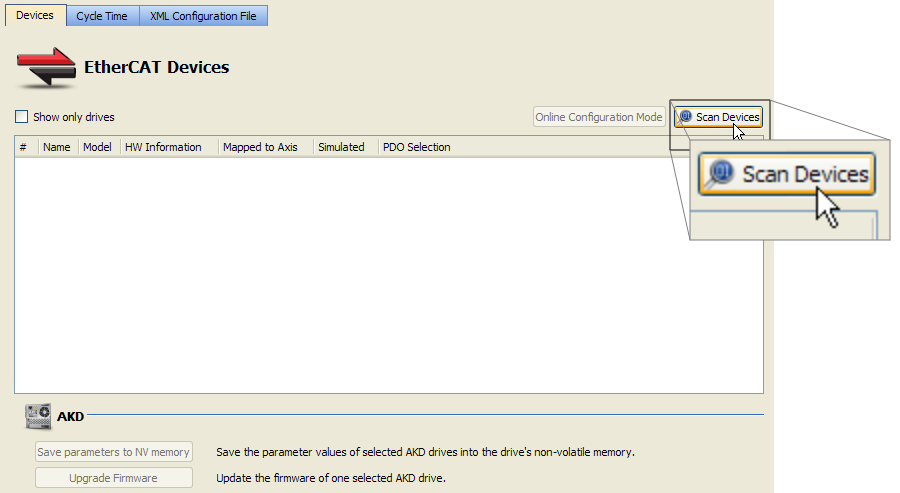
To discover the physical EtherCATEtherCAT is an open, high-performance Ethernet-based fieldbus system. The development goal of EtherCAT was to apply Ethernet to automation applications which require short data update times (also called cycle times) with low communication jitter (for synchronization purposes) and low hardware costs devices, follow these steps:
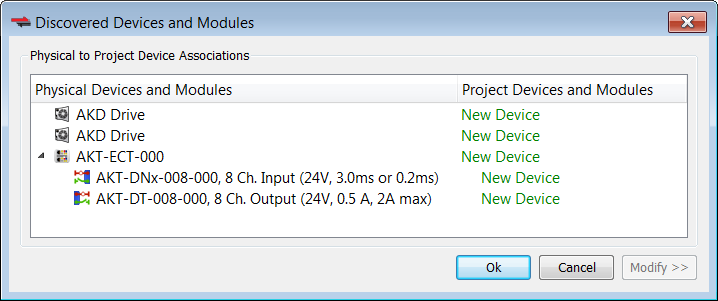
If you click Scan Devices again, the existing project devices will be automatically matched to the same physical devices. The association will not be lost from rescanning. 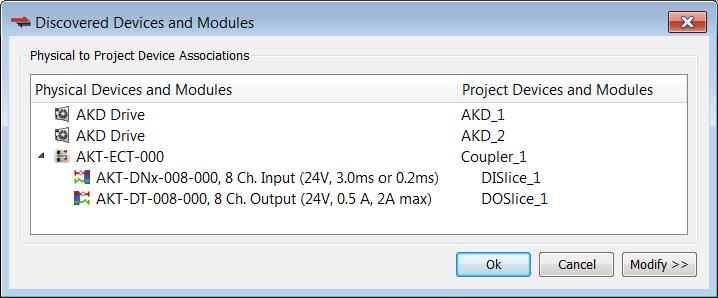
To change the device associations see Re-Scan and Change Device Associations.
To troubleshoot an error due to a missing ESI file, please see Unknown – Missing ESI File.
|
Stay Connected with Kollmorgen       
|
Copyright © 2015 Kollmorgen™ |

|
 See Also