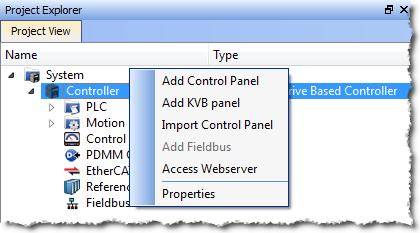
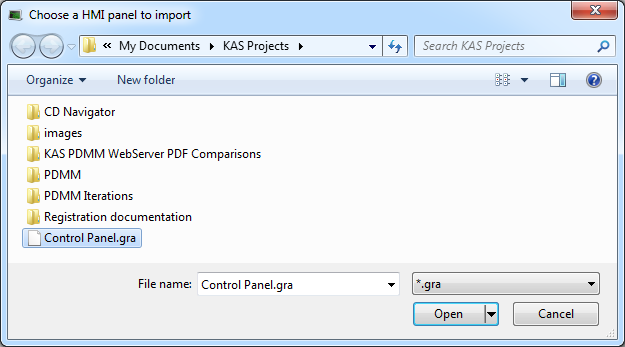
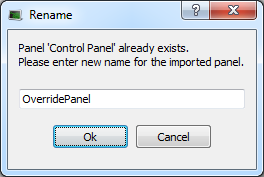
- If the panel you are trying to import has the same name as an existing panel, you will be prompted to change the name or cancel the import.
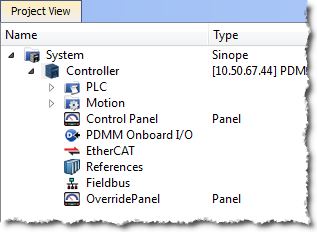
Control Panels may be exported and imported for easy reuse across projects. Any variables associated with the control panel will be preserved across projects.
See also: Export a Control Panel
|
Stay Connected with Kollmorgen       
|
Copyright © 2015 Kollmorgen™ |

|