User Authentication
Logging In
Logging into the web server is required to prevent unauthorized access or changes. This is accessed from the LOGIN link at the top of all web server pages. Clicking the link brings up a form to enter user credentials. 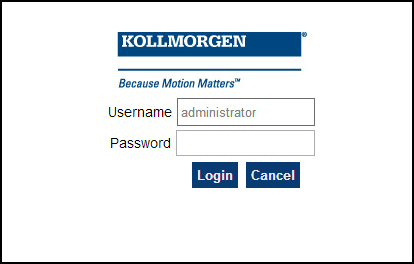
Enter the password to log in. The factory default password is administrator. This can be changed after logging in.
-
-
- As there is only one user Administrator, "administrator" is the default user name.
- You must re-enter the password each time you log in; the entered password is not stored in the login form.
- Accessing the webserver from the IDE
 "Integrated development environment"
An integrated development environment is a type of computer software that assists computer programmers in developing software.
IDEs normally consist of a source code editor, a compiler and/or interpreter, build-automation tools, and a debugger automatically logs you in as administrator.
"Integrated development environment"
An integrated development environment is a type of computer software that assists computer programmers in developing software.
IDEs normally consist of a source code editor, a compiler and/or interpreter, build-automation tools, and a debugger automatically logs you in as administrator.
When you are successfully logged in, the user name will appear in the top-right corner of all web server screens. 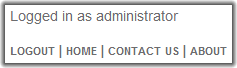
Logging Out
After successfully logging in, the menu in the top right corner of the web server contains a link to LOGOUT. Clicking this link will immediately log you out of the web server, and informs you of this. 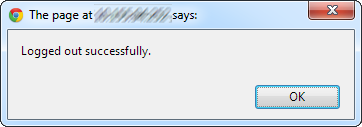
Changing the Password
The user password is managed from the User Account section of the Settings tab. See User Account for more information.