Create and/or Call Functions or Function Blocks
- Drag an item from the Libraries into a program.
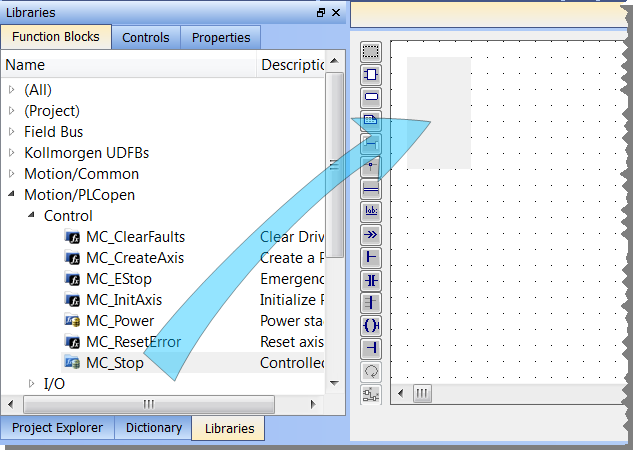
- Name the new instance of the function or function block.
See Call Functions or Function Blocks.
Call a Function or Function Block
- Declare the function or function block by right-clicking on Subprograms in the Project Tree.
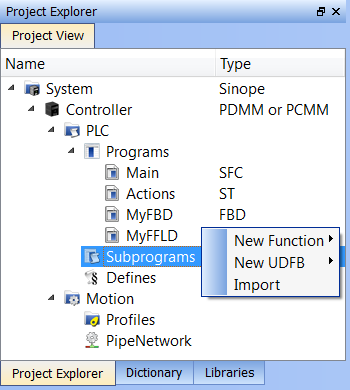
- Name the function or function block.
- Define the inputs and outputs, and any private variables.
- Call the new function or function block.
See Also


