Monitoring UDFBs
The real time values for UDFBs can be shown in the workspace while the program is running.
- Double clicking on a UDFB in the Project View's Subprograms list opens the UDFB in the workspace.
- A list of the UDFB's instances are listed if it is instantiated more than once or declared inside of a structure. (Figure 1)
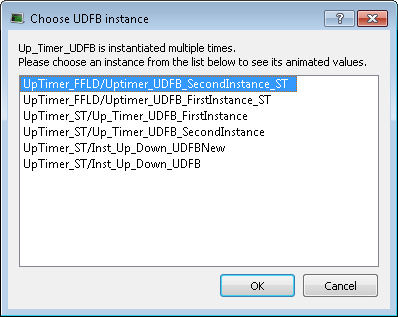
Figure 1: Choose UDFB instance dialog box
- If the UDFB is open in the Workspace before running the program, it does not automatically animate because there may be more than once instance of the UDFB.
- To start the animation double-click the entry in the Project View.
- If there is only one instance, it will open; if there are multiple instances the list is presented.


