FBD Comments
Comment text area can be entered anywhere in an FBD diagram.
- Select the Insert Comment Text button
 in the FBD toolbar to insert a new comment area.
In this mode, the mouse is used to insert comment text areas anywhere in the diagram. - Click in the diagram and drag the text block to the desired position.
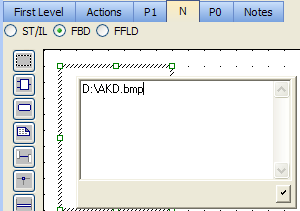
- Double-click on the comments area to enter or change the attached text.
- When selected, comment texts can be resized.
- See Resize FBD Objects.
-
-
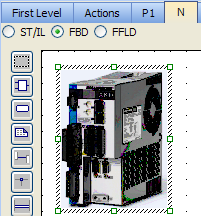
A hyperlink can be inserted In external files.
Only TXT and BMP extensions are allowed.
When the link is valid, the hyperlink is replaced with the file's content.