








Generate Mappings
This section describes how to generate mappings.
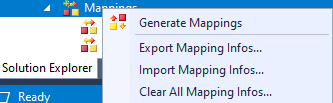
- Right-click Mappings in the project tree and click Generate Mappings.
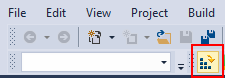
- Click Activate Configuration in the toolbar.
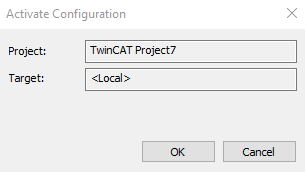
- Click OK to activate the configuration.
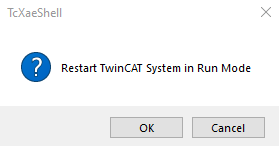
- Click OK to start run mode.
- The TwinCAT 3 icon in the bottom status bar turns green while in run mode.

To continue, follow the steps in TwinCAT 3 Scaling.


