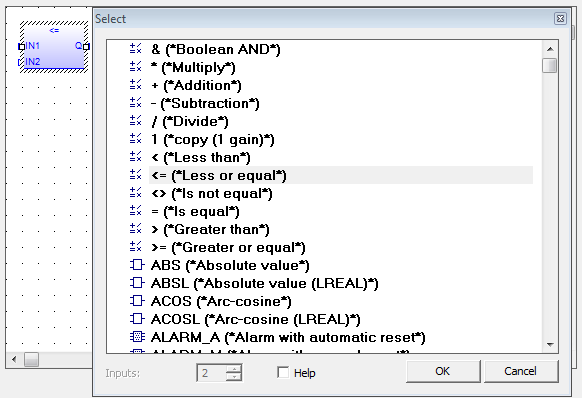
Functions and operators can easily be edited and changed in the FFLD and FBD"Function block diagram"
A function block diagram describes a function between input variables and output variables. A function is described as a set of elementary blocks Editors. Double-clicking on a item in the editor opens a Select window which lets you change the entry to another function or operator, even of another type.
This list is inclusive of function blocks. A function or operator can be changed to a function block but variable assignment will need to be managed.
Please note that this list includes numerous functions that are not valid for KAS. They are either not supported or have been deprecated.
See also Change Function Blocks in FFLD and FBD Editors.
|
Stay Connected with Kollmorgen       
|
Copyright © 2015 Kollmorgen™ |

|