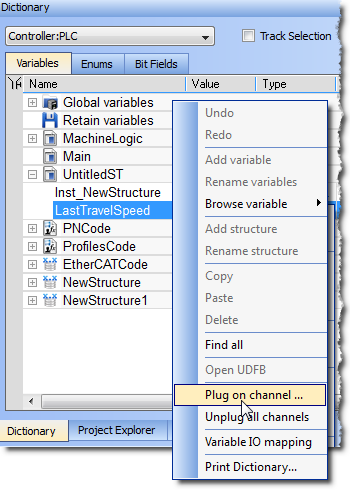
Figure 4-67: Plugging a PLC Variable
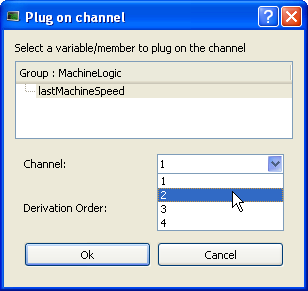
Figure 4-67: Plugging a PLC Variable
You can start the Softscope now to see traces, as shown in the following figure:
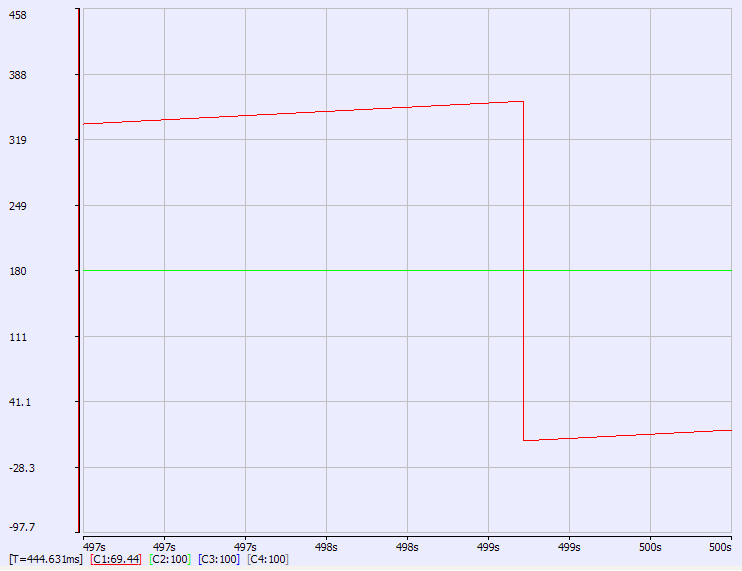
Figure 4-69: Traces Displayed with Soft Oscilloscope
Easy probe plugging is assured since you do not need to unplug a probe from a channel before plugging a new probe into the same channel.
|
Stay Connected with Kollmorgen       
|
Copyright © 2015 Kollmorgen™ |

|