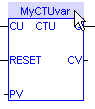
Symbols of variables and instances are selected using the variable list in the Dictionary. Selecting variables is available from all editors:
 How to access a single bit of an Integer variable?
<variable>.<Bit number> (e.g. MachineState.7)
|
Stay Connected with Kollmorgen       
|
Copyright © 2015 Kollmorgen™ |

|