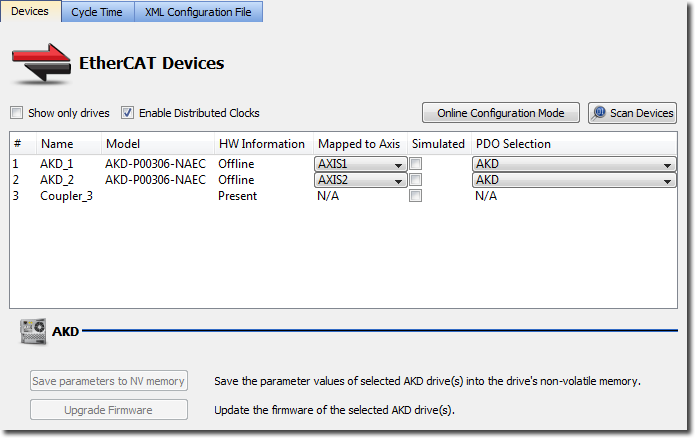
Figure 11-232: Mapping of standard components
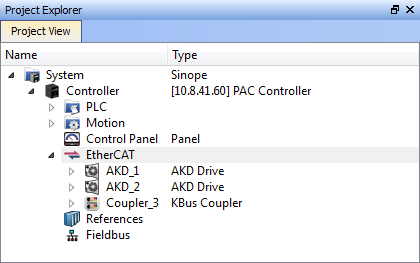

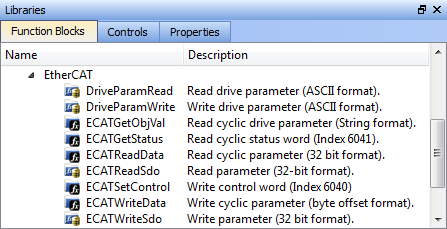
In general, for all third-party EtherCATEtherCAT is an open, high-performance Ethernet-based fieldbus system. The development goal of EtherCAT was to apply Ethernet to automation applications which require short data update times (also called cycle times) with low communication jitter (for synchronization purposes) and low hardware costs devices, use the built-in IDE"Integrated development environment" An integrated development environment is a type of computer software that assists computer programmers in developing software. IDEs normally consist of a source code editor, a compiler and/or interpreter, build-automation tools, and a debugger features to Scan, Map Network Devices, and configure devices through the PDO Selection/Mapping, Distributed ClockClock signal, and CoE Init-Commands tabs. The Procedure Summary and Example are only applicable if the IDE cannot support a device, due to non-conformance to the EtherCAT standard or custom device specific configurations supported by a third-party configuration tool.
A summary of this procedure is as follows:
Figure 11-232: Mapping of standard components
|
Stay Connected with Kollmorgen       
|
Copyright © 2015 Kollmorgen™ |

|