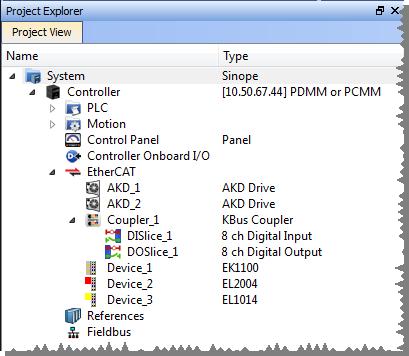
| AKD or AKD2G | PDMM or PCMM | I/O Slice | Third-Party Devices |
|---|---|---|---|
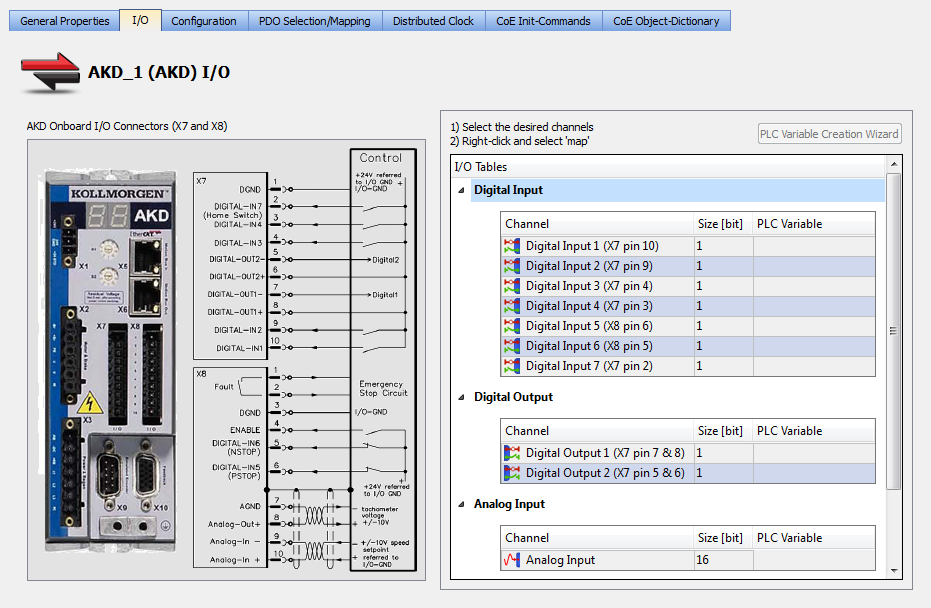
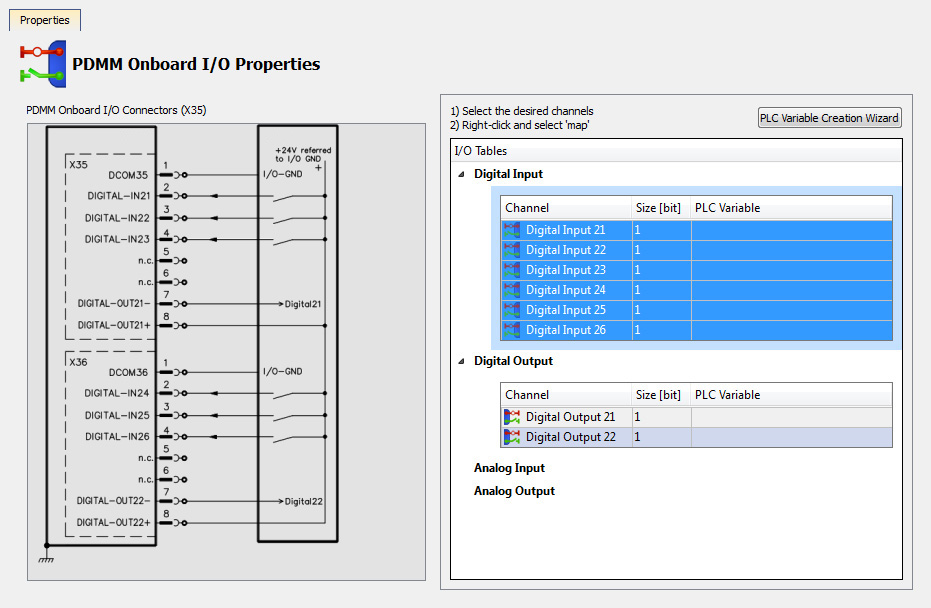
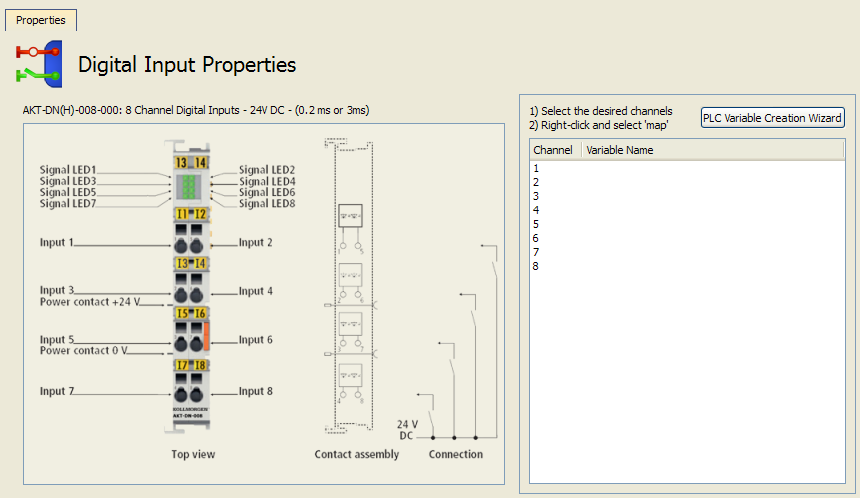
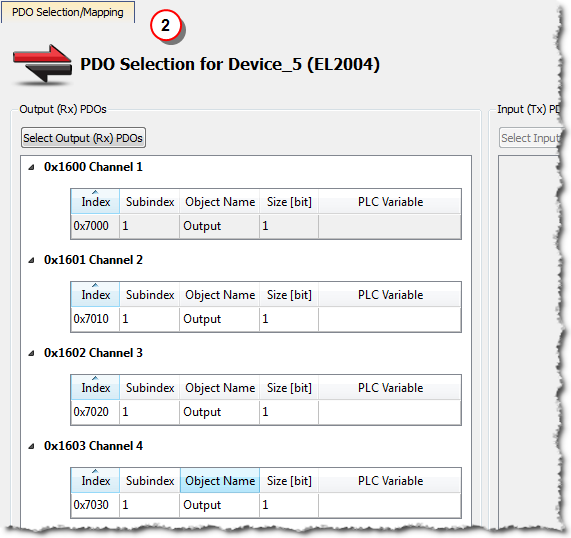
| Double-click on the drive and select the I/O tab | Double-click Controller Onboard I/O | Double-click the I/O Slice in the Coupler entry. | Double-click the device and select the PDO Selection/Mapping tab. |
 |  |  |  |
- Drag and drop a variable from the Dictionary onto a table entry.
- Use the PLC Variable Creation Wizard for Kollmorgen devices.
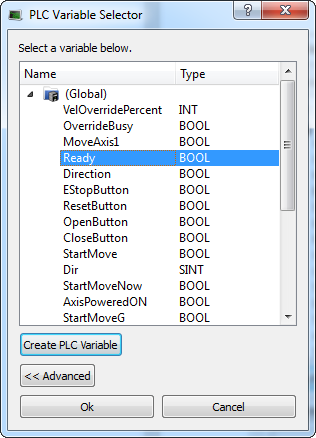
- Directly map/unmap the Inputs/Outputs to PLC variables using the PLC Variable Selector.
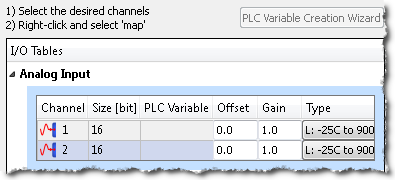
- Kollmorgen devices: Select the channel(s) you want to map. Selection may be done by click-dragging or shift-clicking a range of entries. The entire table may be selected by clicking on its border. After the selection is made, right-click and select Map. This opens the PLC Variable Selector.
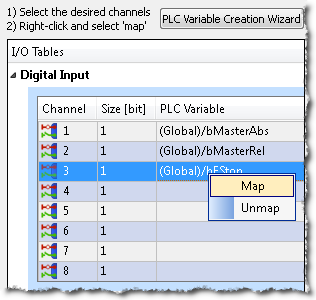
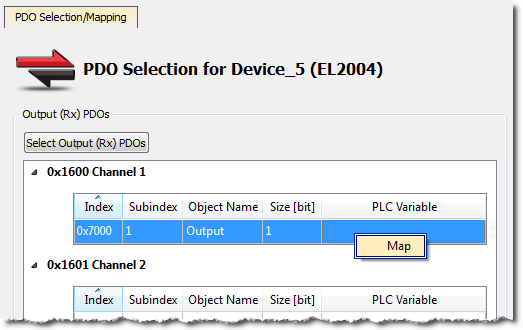
- Third-party devices: Select a PLC Variable cell associated with the PDO object index, right-click and select Map.
- The list of variables is filtered to display only those with relevant types.
- For analog I/O, only variables with integer types are displayed.
- Because a variable can only be mapped to one channel or PDO object, when you link a variable to a new channel or PDO object, the previous mapping is removed (even if linked to another slice or device).
- Individual bits within a variable can be mapped to multiple I/O channels on different devices (AKD, PDMM, PCMM, or Slice).
- Read Only PLC variables should not be mapped to inputs because the value will not be able to change to match the input state.
- Do not map PLC variables to third-party drive PDO objects. They may conflict with the KAS RuntimeIn computer science, runtime (or run-time) describes the operation of a computer program, the duration of its execution, from beginning to termination (compare compile time). Within KAS, runtime also refers to the virtual machine that manage the program written in a computer language while it is running's internal motion engine read/write operations.
- Double-check before any confirmation because there is no possibility to Undo this operation.
- For details on the Create PLC Variable and Advanced buttons, see PLC Variable Selector.
- Kollmorgen devices: Select the channel(s) you want to map. Selection may be done by click-dragging or shift-clicking a range of entries. The entire table may be selected by clicking on its border. After the selection is made, right-click and select Map. This opens the PLC Variable Selector.