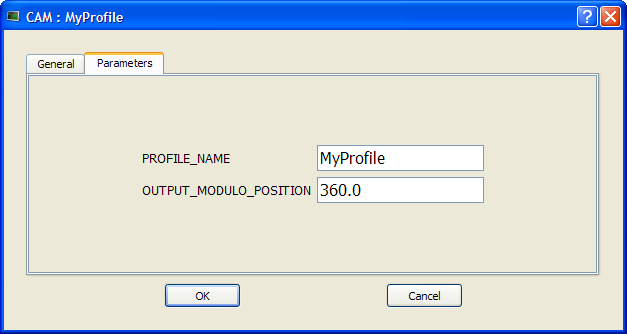
Once defined (see "Create Cam Profiles"), you can associate a cam profile to a cam Pipe Block in the Pipe Network as follows:
Separating the declaration of the cam Pipe Block from the cam profile provides the capability to prepare several different cam profiles and then apply one of them to the cam Pipe Block.
If you change the profile's filename, do not forget to update the cam Pipe Block accordingly.
|
Stay Connected with Kollmorgen       
|
Copyright © 2015 Kollmorgen™ |

|