Create a PLCopen Axis
- In the Project Explorer, under PLCopen, right-click the Axes folder.
- Select the New Axis command in the menu.
The Create PLCopen Axis dialog box opens. (Figure 1) - In the Name text box, enter the new axis name.
- Click OK to save the changes or selections and close the dialog.
- Right-click on the new axis.
- Complete the axis properties.
See Change a PLCopen Axis. - Compile the project to generate the code for the PLCopen axis reference(s).
Each axis appears in the variable type PLCopenCode.
This code is used by the PLCopen Global variable.
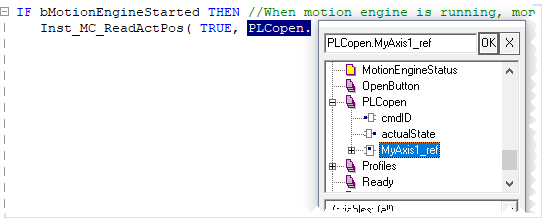
The PLCopen.XXXXXX_ref (e.g., MyAxis1) is an instance of an AXIS_REF Structure that can be used in PLC programs. (Figure 3 and Figure 4)
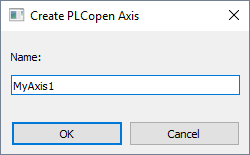
Figure 1: Create PLCopen Axis dialog box
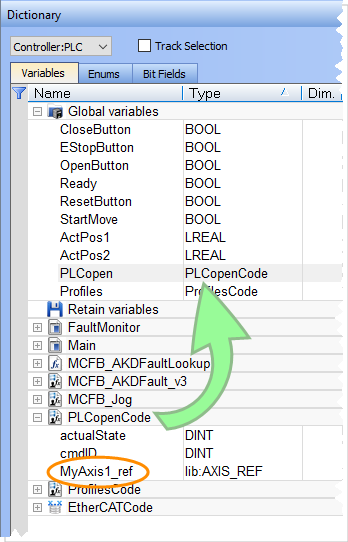
Figure 2: Dictionary - Variables tab
|
|
|
|

-
-
The PLCopen axis Name and Number (created in the PLCopen Axis Data dialog) are automatically applied to the PLCopen instance under Global variables in the Dictionary when the project is compiled.


