Application Download window
The Application Download window  allows the user to download the user application to the RAM and NVRAM of the drive.
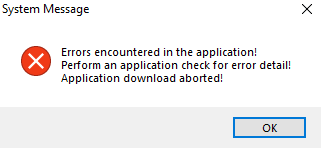
Before opening the Application Download window, a user application check must be performed (see " Application Check Window"). If no error is found, the Application Download window pops up, otherwise a System Message box suggests executing an application check.
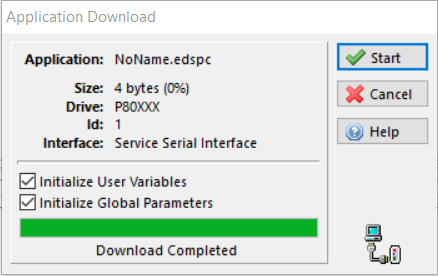
If the Initialize User Variables checkbox is checked, the initialization values set in the User Variables window (see "Application User Variables window") are sent with the user application, otherwise the current user variables values stored in the drive are retained.
If the Initialize Global Parameters checkbox is checked, the global parameters values set in the Global Parameters window (see "Global Parameters Window – Motor Settings") are sent with the user application. If unchecked, the current parameters values stored in the drive are retained.
Click the Start button to begin the download procedure.


