





Part 16: Save and Download the Program
Use this procedure to save the program and download it to the PLC.
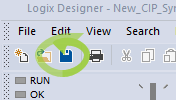
- Click the Save button on the toolbar.
-
-
- It is highly recommended to first conduct a bench test with a single AKD2G-SPI drive and the PLC and to step through Getting Started using the CIP Sync Sample Project before proceeding.
- Minimal AKD2G-SPI drive settings for use with a new or existing project are covered in CIP Sync: Preliminary Setup Using the Sample Project.
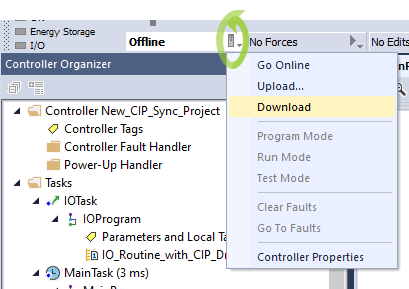
- Download the program to the PLC.
The program has been verified without errors prior to download. - Continue with Part 17: Preliminary Checks After Going Online.
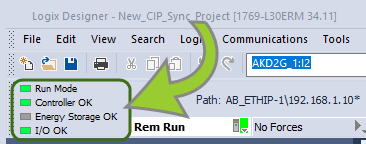
The project should be error free and indicate Run Mode, Controller OK, and I/O OK.