








Part 3: Re-Enable the Axis
In Part 3 of the procedure, the axis must be re-enabled prior to homing the axis.
The complete steps to re-enable the axis can be found under Part 1: Enable the Axis in CIP Sync: Controlling the Axis and Generating Motion from the PLC.
Re-enabling the Axis
-
To re-enable the drive, return to the CIP_Axis_Enable rung and right-click on the Ax1_Enable_Toggle normally open contact and select Toggle Bit to trigger the CIP_Axis_Enable AOI.
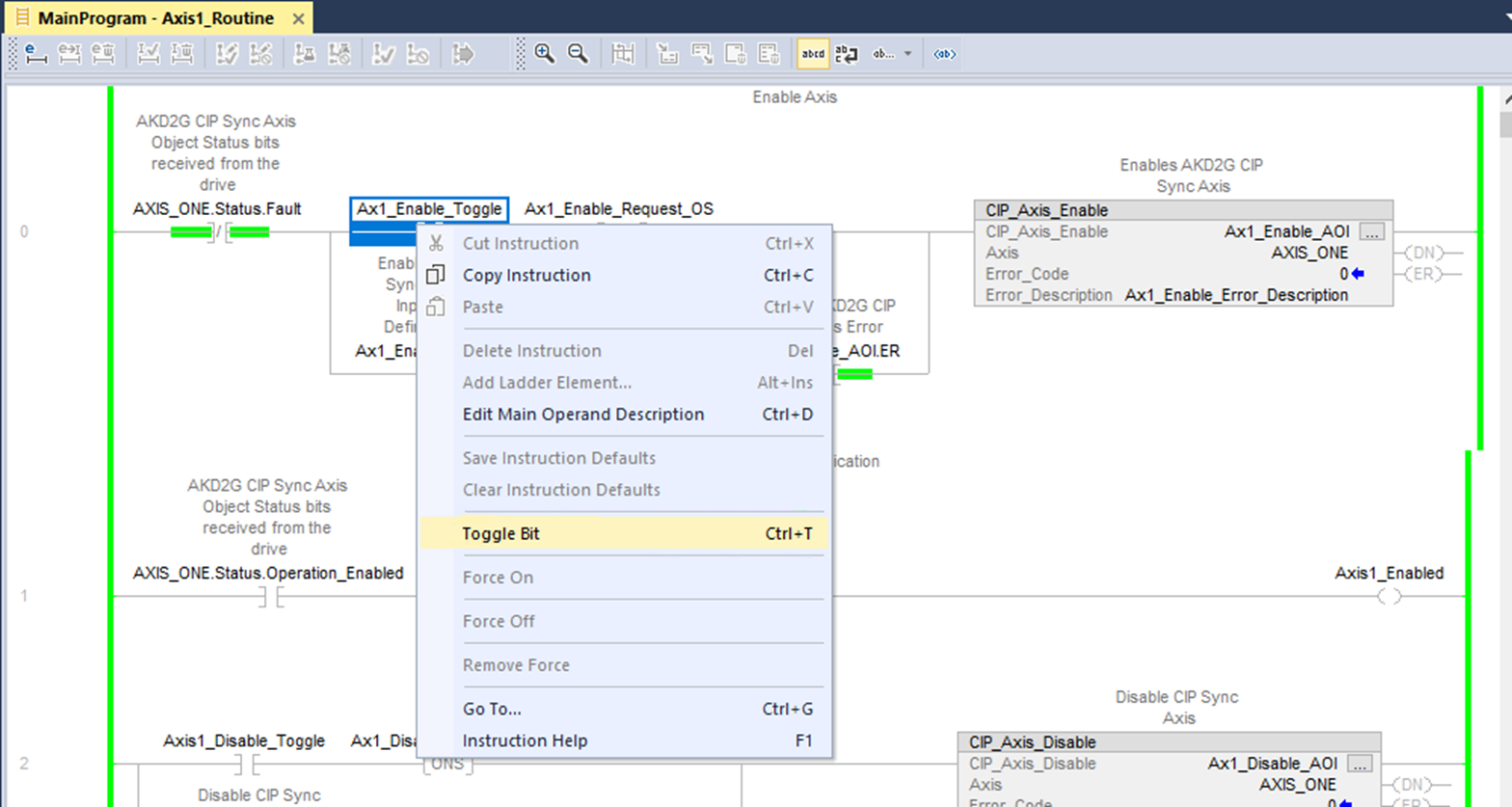
WorkBench now shows that Axis 1 was successfully enabled.
-
Toggle the Ax1_Enable_Toggle contact OFF before proceeding.


