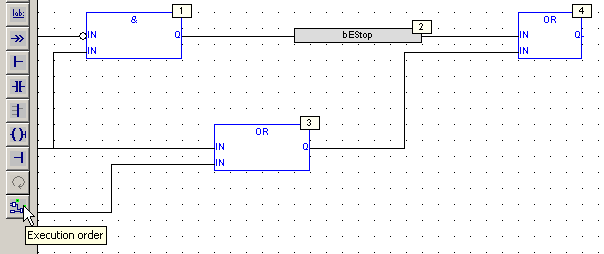
Function Block Diagram (FBD) Editor
- The editor supports advanced graphic features such as drag-and-drop, object resizing, and connection line routing features to rapidly and freely arrange the elements of a diagram.
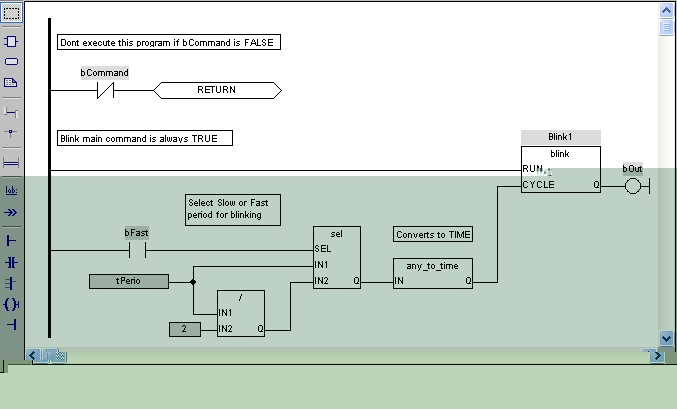
- Insert in an FBD diagram graphic elements of the FFLD (Ladder Diagram) language (e.g., contacts and coils).
|
FBD Diagram Components |
Related Sections |
|---|---|
|
Programs: Structure and Syntax |
FFLD Components
-
-
When a contact or a coil is selected, press the Spacebar to change its type (e.g., normal, negated, pulse).
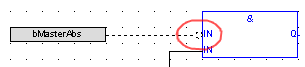
Toggle the Connection to Make it Negative
Boolean connections can be negative at the entry of a block.
- Select the Boolean connection. ()
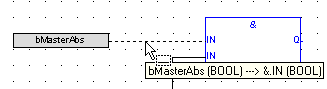
- Press the Spacebar (a small circle is displayed)
Display the Execution Order
Data flow is executed from top left to bottom right (CTRL+d shows the execution order).