Rename a Method
- In the Project Explorer, expand the UDFB containing the method.
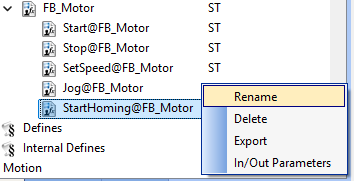
- Right-click the method to rename.
The context menu appears. - Select Rename. (Figure 1)
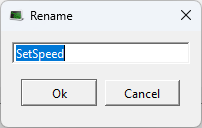
- In the text box, enter the new method name
- Click OK to save the changes or selections and close the dialog box.
The new name appears for the method.
The Rename dialog box opens. (Figure 2)
-
-
When a method is renamed, all references must remain valid for successful compilation.
See Also


